
How to scan an NFC tag with your iPhone
Use these steps on an iPhone with background NFC reading, such as iPhone XS, XR, and newer models.
- Unlock your iPhone. Keep the screen awake and return to the Home Screen.
- Hold the top of your iPhone near the tag. Bring it close and hold it still briefly.
- Tap the notification. A tag containing a web link opens the associated website or app. Opening a website needs an internet connection.
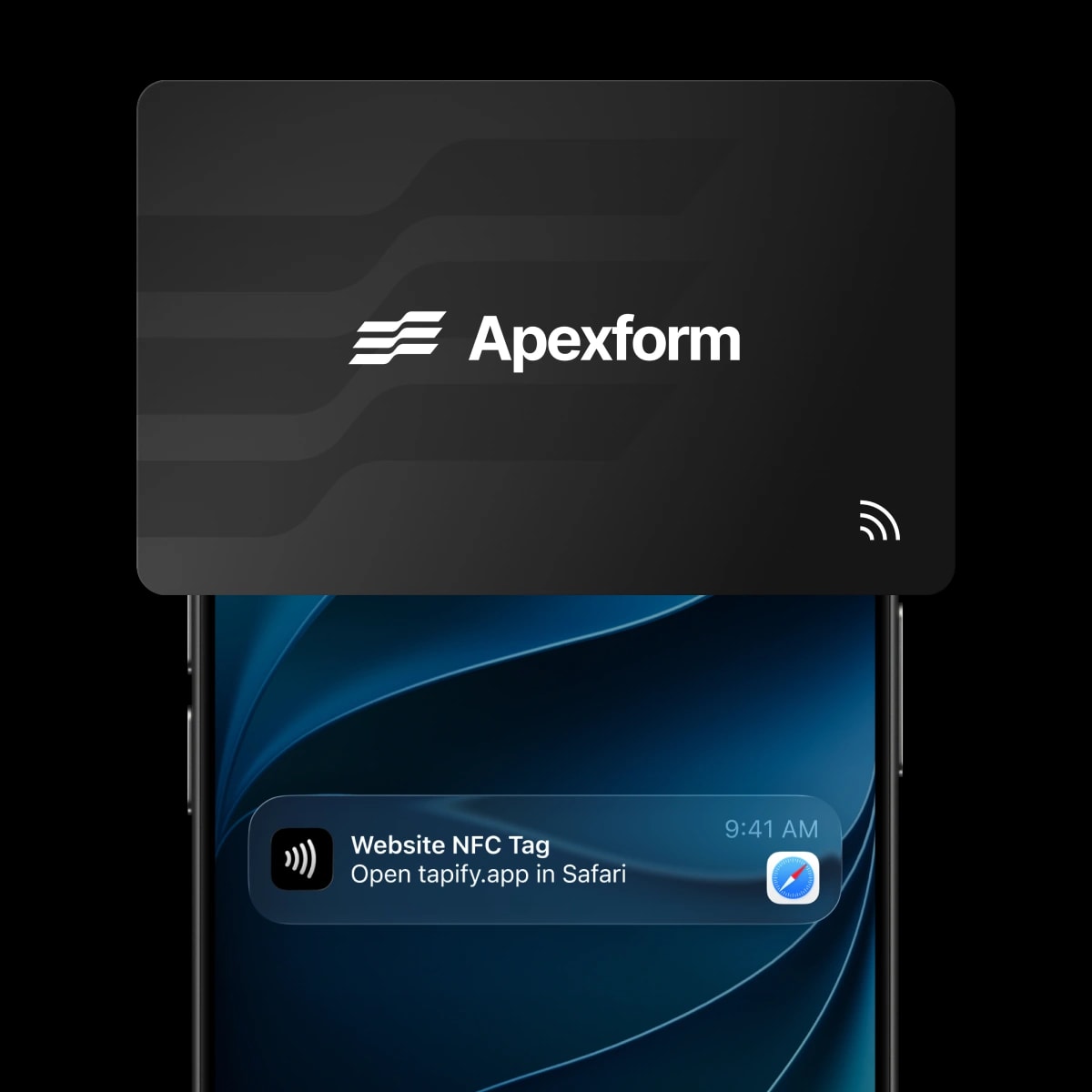
Which iPhones can read NFC tags?
- iPhone XS, XS Max, XR, and newer models: compatible tags are detected automatically. You do not need to open an NFC reader.
- iPhone 7, 7 Plus, 8, 8 Plus, and X: reading requires a manually started NFC reader. Use the NFC Tag Reader in Control Center if available, or a compatible reader app.
- iPhone 6, 6s, and the original iPhone SE: these do not support reading these tags through Core NFC. Use a QR code if the card has one.
The 2020 iPhone SE does support background reading. Do not confuse it with the original 2016 SE.
No notification? Check these things
- Close Camera and Wallet. They can interrupt background NFC reading. Turn off Airplane Mode too.
- Unlock after restarting. Your iPhone needs to have been unlocked at least once since startup.
- Reposition the phone slowly. Try the top edge near the tag. Remove a thick or metal case to rule out interference.
- Check the tag. Not every chip opens a website. A blank tag or access card may not display a notification.
If your card has a QR code, open Camera, point it at the code, and tap the link that appears.
Does Apple Wallet need to be open?
No. Reading a tag containing a web link is different from making a contactless payment. Keep Wallet closed when reading that tag. You do not need to add a payment card to Apple Wallet.
Want to show or add a pass instead? See our guide to opening and using Apple Wallet.
Using an NFC business card
An NFC business card is one use of this technology. With Tapify, the tag opens a digital profile where the recipient can view and save your details. Contact information is not automatically added to their address book.